A music player for your own Navidrome server, built first for the screen in the
dashboard and then for everything else. One shared core behind the car, the phone,
the desktop and, in time, the phone in the other pocket.
Coming soon to storesNot listed yet
Android Automotive
working
The car's own Media Center, driven by Lowbeam's browse tree. Verified on the Volvo XC40 and EX30 head-unit images and Google's generic AAOS image. The real head unit is the next thing to try it on.
Android phone
working
A Compose UI that connects to the same playback service the car talks to. Sign in, browse, play, cache, verified end to end against a live Navidrome.
Desktop
building
The same screens on the JVM through Compose Multiplatform, sharing the core the other two already use.
iOS
planned
AVQueuePlayer and lock-screen controls under the shared core. Last in the queue because it is the only target that needs a Mac to compile at all.
Screenshots
One app, four renderers
Three of these four screens were drawn by the car, not by Lowbeam. Click any shot
to see it full size.
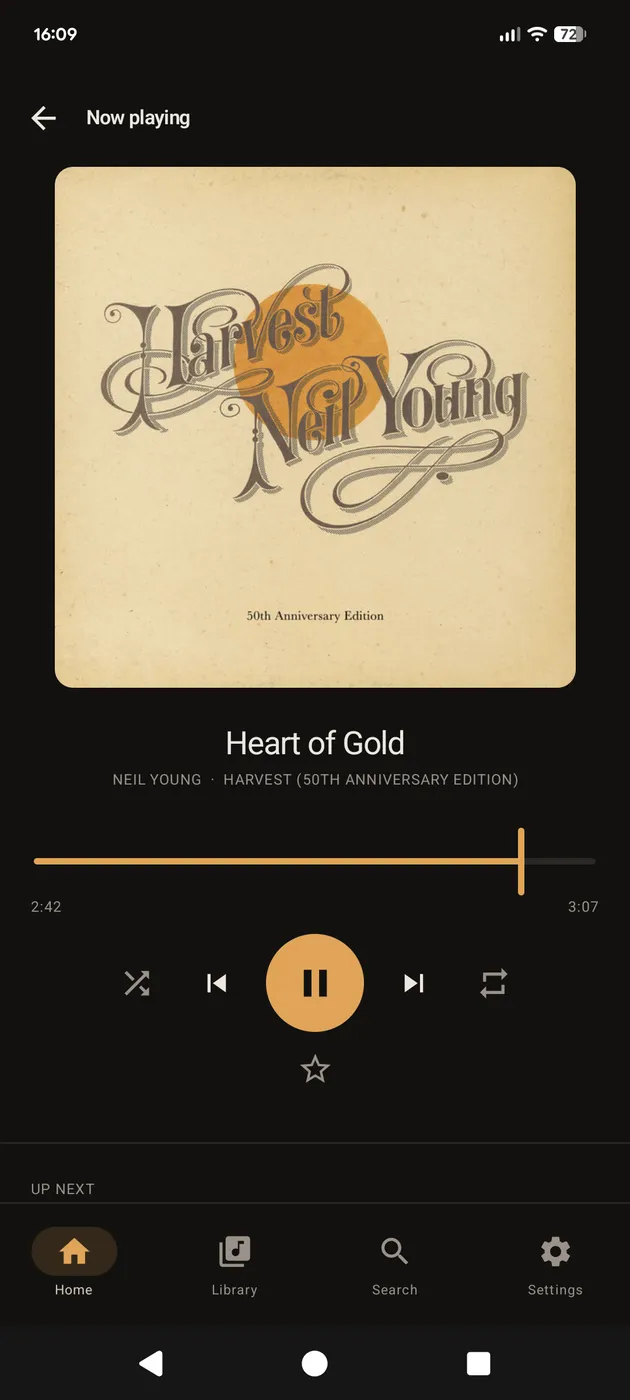
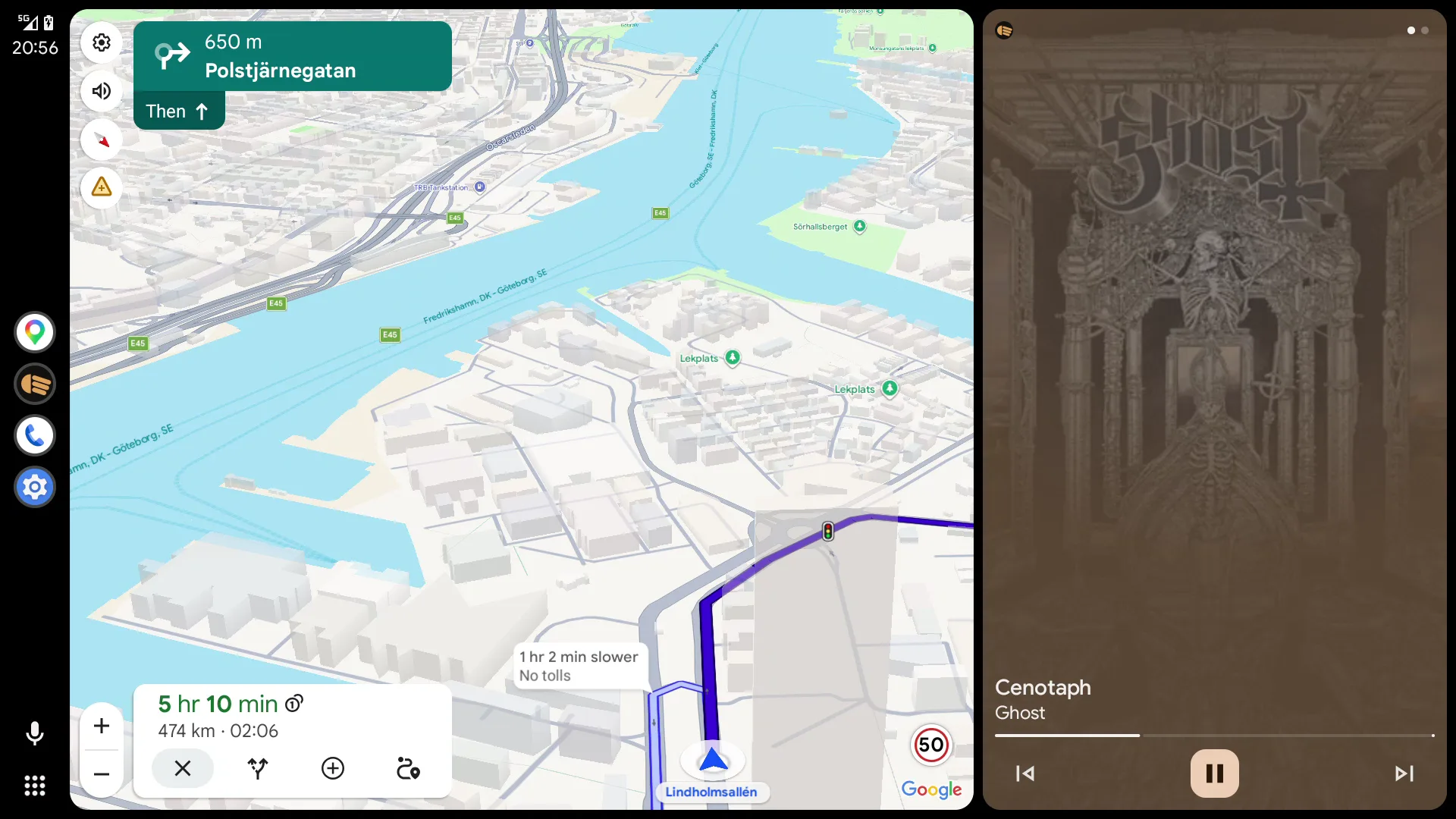
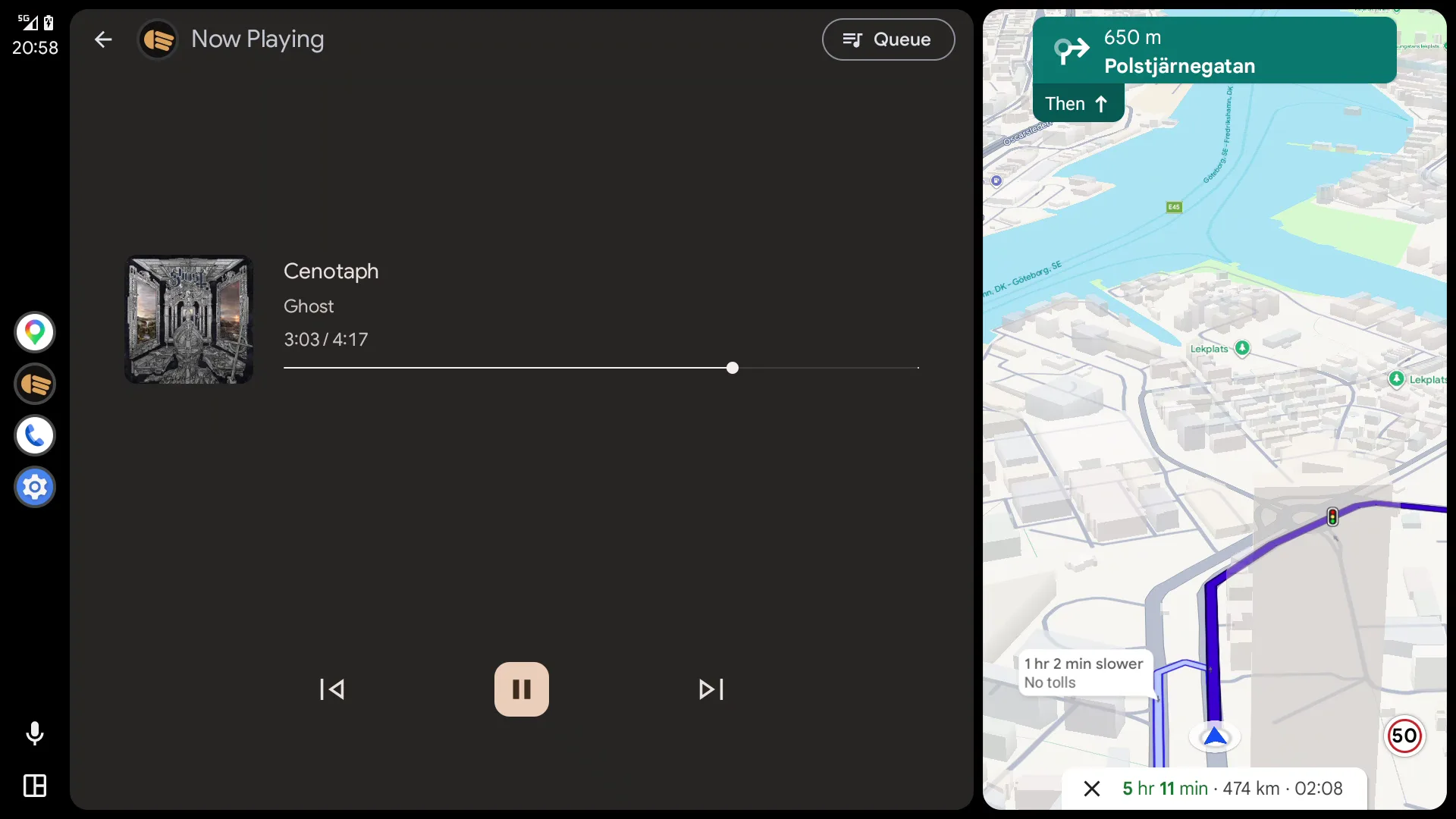
On the phone
1 shot
The one surface where Lowbeam draws its own screens, so this is the only place the app's own design shows: warm monochrome with a single amber accent, which is the one colour a car interior never fights.
Now playing on the phone, with the queue a swipe below it.
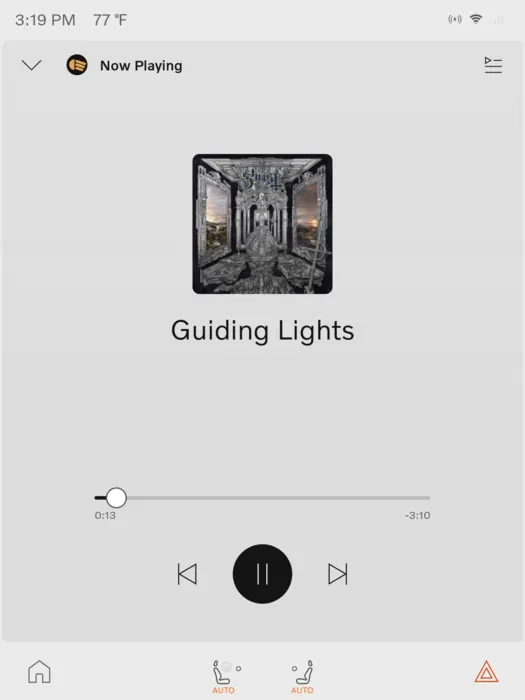
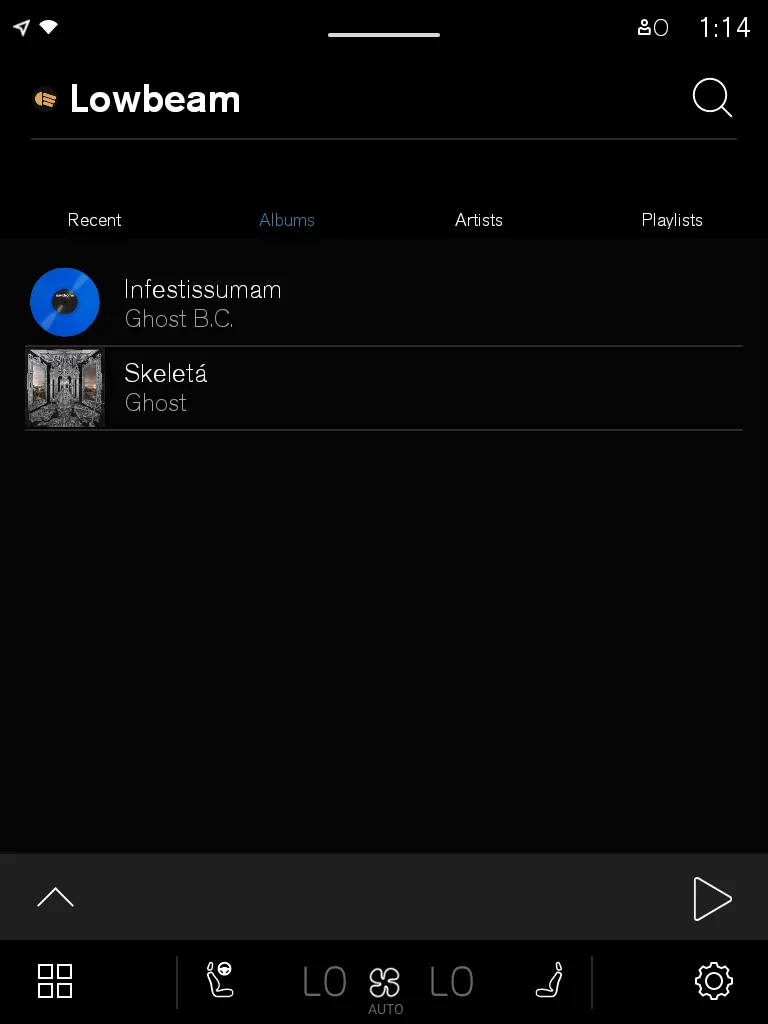
Volvo XC40
4 shots
A 768x1024 portrait head unit running Android 11, drawing Lowbeam's browse tree in Volvo's dark Media Center.
Lowbeam's browse tree, rendered by the car. The tabs are branches the app published.Now playing, cover art pulled from the server and cached.The queue, with the rest of the album lined up behind it.Sign-in is the one screen Lowbeam is allowed to draw itself in a car.
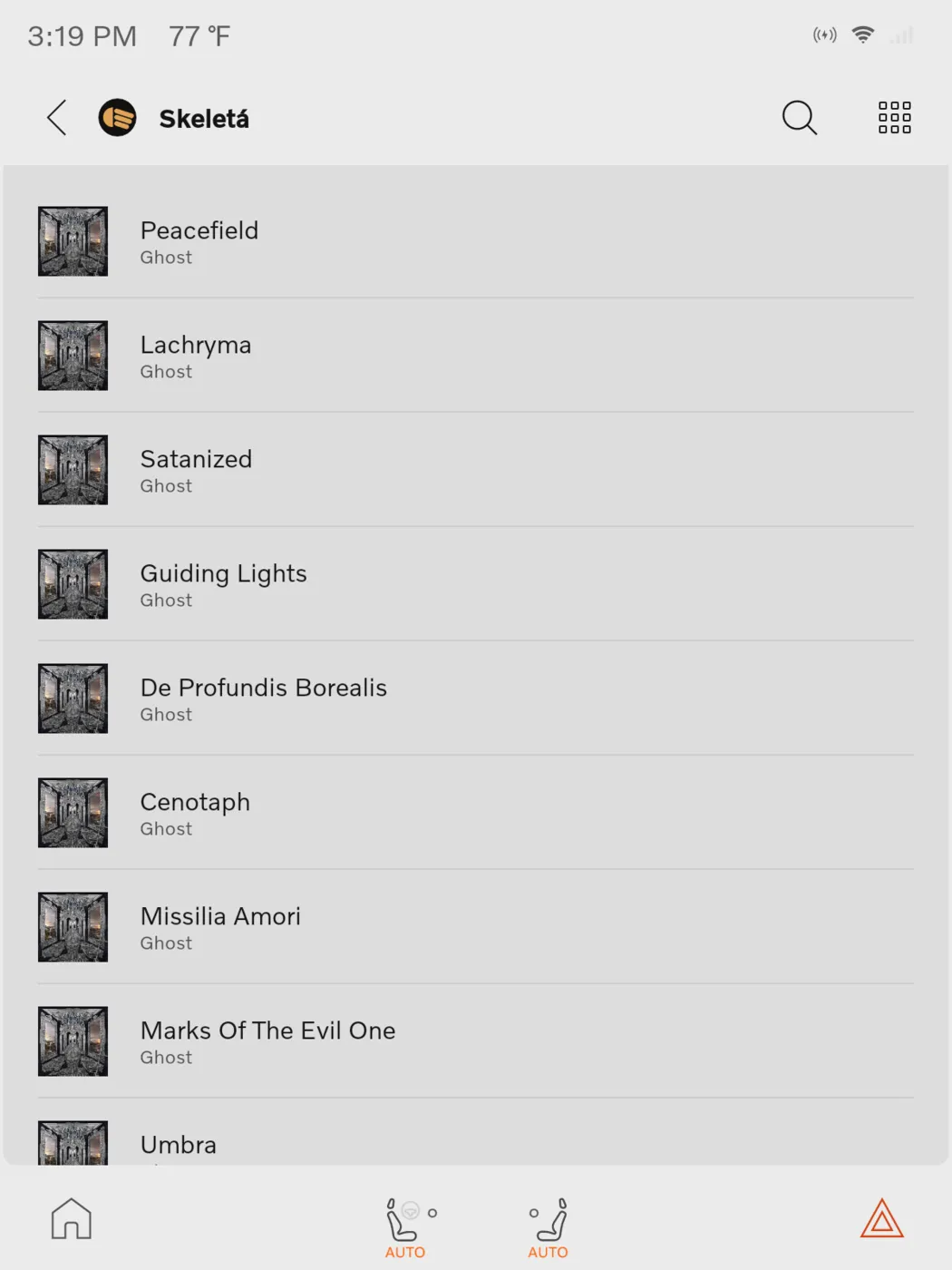
Volvo EX30
2 shots
A 1200x1600 portrait head unit running Android 12. Same app, same browse tree, same account, drawn light because this car's skin is light.
An album's tracks, the same branch the XC40 draws in black.The same track as the XC40 shot above, and not one line of Lowbeam changed to get here.
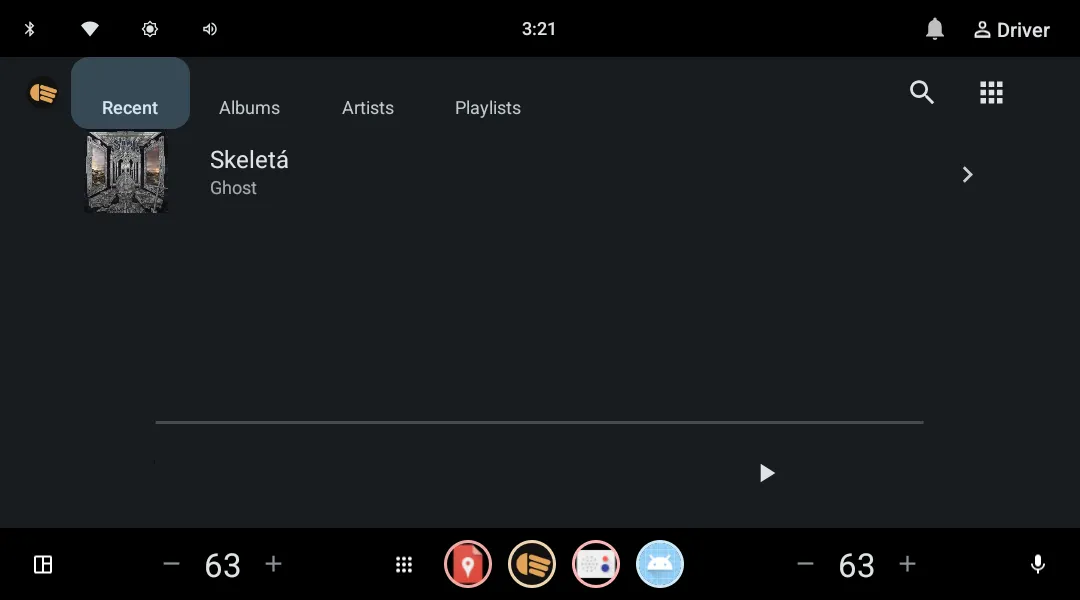
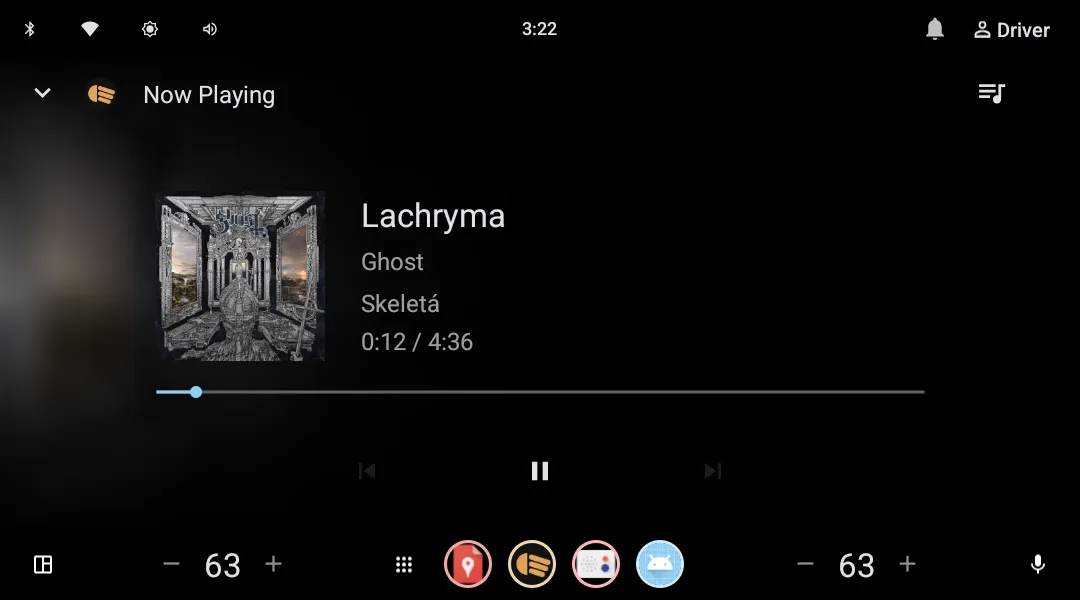
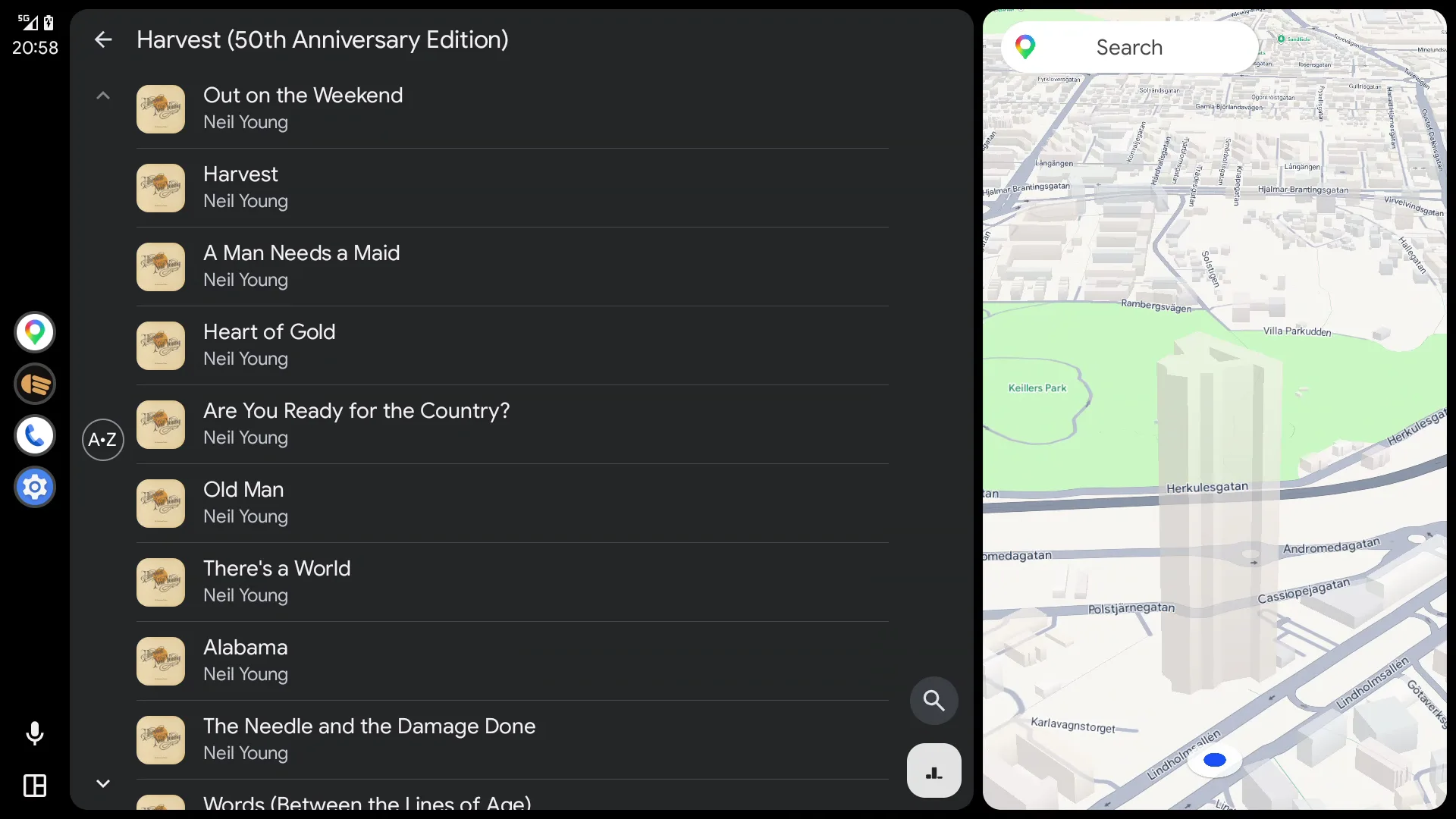
Generic Android Automotive
2 shots
Google's own 1080x600 landscape reference head unit, the widest of the three and the one that shows how little the app controls: a different shape again, from the same tree.
Recently added, on the reference head unit.Now playing, laid out wide because the screen is wide.
01
A player for a library you already own
Lowbeam plays music from Navidrome, the self-hosted music server. Point it at your own server, sign in, and your library is there: albums, artists, playlists, recently added, cover art and all.
There is no catalogue here and nothing to subscribe to. The music is whatever you put on the server, which means it is yours, it stays yours, and no part of it disappears because a licence expired.
02
The car does not let an app draw its own screens
On a phone, an app draws its own interface. On Android Automotive, the Android that runs as the car's infotainment system, it does not. The car ships its own driver-safe Media Center, and third-party music apps are not permitted to paint their own playback UI. It is a safety rule: every audio app has to look and behave the same way while you are driving.
So Lowbeam publishes a browse tree instead, a nested menu of categories and tracks, and the car renders it with the car maker's own interface. Lowbeam supplies the data and the audio; the car supplies the pixels.
That is why the screenshots below look like three different apps. They are one app. The XC40 draws it dark, the EX30 draws it light, the generic head unit draws it wide, and none of that is Lowbeam's theme showing through.
03
Which makes the car the cheap target, not the hard one
Most cross-platform apps share the interface and write the data layer per platform. Lowbeam is built the other way round, because the car forced the question: with no UI to write, the car app is almost entirely a networking, caching and playback problem, and every other platform needs exactly that too.
So the core is shared, the networking, the local database and the playback logic, and each platform gets a thin adapter on top of it. The counter-intuitive result is that the head unit, the target that looked like the special case, ended up being the least work.
04
It keeps working when the signal does not
The local database is the source of truth, not the server. Network calls only refresh it, and nothing in the app ever reads straight from the network.
That matters more in a car than on a desk. Drive into a tunnel and the browse tree still opens, because it was always being read off the disk. An app that waited on an HTTP request to draw a menu would freeze every time the bars dropped.
05
One player, several remote controls
The phone app does not own an audio player of its own. It connects to the same media service the car UI talks to, as a controller.
So pausing from the notification shade updates the app instantly. They are not two players kept in sync with each other; they are one player with two sets of buttons.
06
Your password stops at your own server
Navidrome speaks Subsonic, plus the modern OpenSubsonic extension set. At sign-in Lowbeam asks the server which extensions it has and picks accordingly: a single revocable API key where the server supports one, and otherwise the legacy scheme, where every request carries a fresh random salt and a hash rather than the password itself.
Credentials go into the platform's secure storage, the Android Keystore, the iOS Keychain, the OS keyring on desktop. Never a plain preferences file, and never anywhere but your own machine and your own server.